Menu

zoom

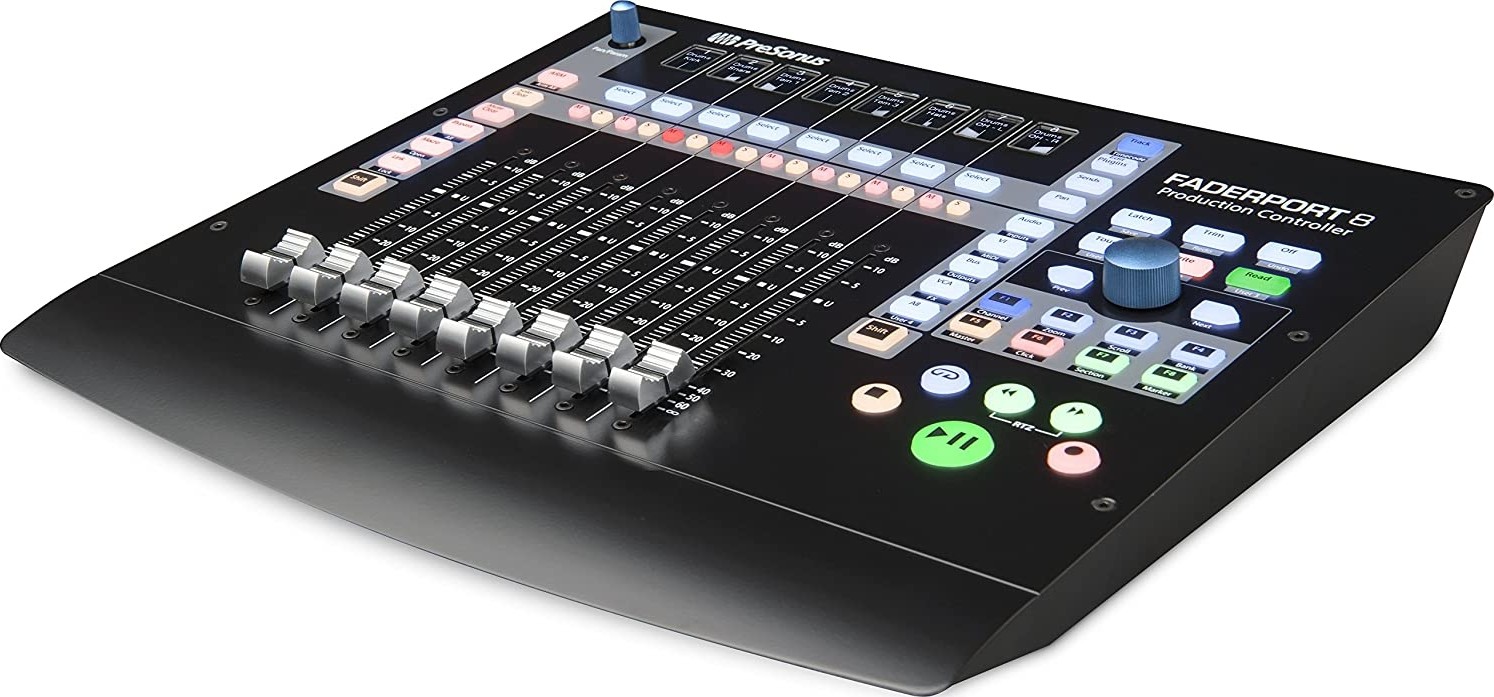
Presonus FADERPORT 8

Manufacturer PRESONUS Email
Notify Me When Back In Stock
USB control surface with 8 motorized fader, transport controls; Studio One, MCU, HUI integration
Rather than forcing you to revise your mixing method, the FaderPort 8 augments the way you currently mix. You still use your faithful keyboard and mouse for things they do well, and the FaderPort 8 handles the features you want to get your fingers on, allowing you to customize your workflow. Large, illuminated buttons make finding the function you need quick and easy. Eight digital scribble strips provide visual feedback. And if you select a track with your mouse, the FaderPort 8 will follow your selection, giving you yet another way to get to the function you need, right when you need it. This is DAW control the way you always hoped it could be! One-button access to key functions. The FaderPort 8's unique Session Navigator provides easy access to eight mission-critical functions for maximum flexibility. Use the large encoder button and companion buttons to edit and mix with greater efficiency and speed. Scroll through your timeline, using the encoder, or work measure by measure with the arrow buttons; zoom in and out on the timeline with the encoder and make your tracks larger or smaller with the arrow buttons; navigate and drop markers; and maintain constant control of your main level. Once you start using the Session Navigator, you’ll wonder how you mixed without it. * Features may vary depending on your software. You’ll find countless ways to take advantage of the FaderPort 8’s Session Navigator. This unique and flexible control lets you edit and mix your tracks with far greater efficiency and speed Navigate quickly through your tracks, using the encoder, or one at a time with the arrow buttons Zoom in and out to make edits using the encoder. Need to make your tracks bigger or smaller? Tap the arrow buttons! Scroll through your timeline, using the encoder, or work measure by measure with the arrow buttons Bank through tracks quickly with the encoder or one bank at a time with the arrow buttons Turn on the click track Open the marker track and navigate markers using the encoder or the arrow buttons, and drop a marker by pressing the encoder Navigate quickly through sections in the Arranger track in Studio One or through Events with DAWs that support Mackie Control/HUI Maintain constant control over your master fader

Connect

  •                  

Log In or Register

Cookies user preferences
We use cookies to ensure you to get the best experience on our website. If you decline the use of cookies, this website may not function as expected.
Accept all
Decline all
Marketing
Set of techniques which have for object the commercial strategy and in particular the market study.
Facebook
Accept
Decline
Analytics
Tools used to analyze the data to measure the effectiveness of a website and to understand how it works.
Google Analytics
Accept
Decline
Save